

Empowering a social care Learning & Development team with tailored Power BI mentoring to streamline reporting and automate compliance insights.
Need Support With Power BI Mentoring?
Explore our mentoring services or book a call directly with Simon to get tailored guidance.
Contact UsBook A CallProject Snapshot
Client
The Richmond Fellowship Scotland

Industry
Health & Social Care
Tech Stack
Power BI Mentoring
The Challenge
The Learning & Development team relied heavily on reporting around KPIs, certifications, and training compliance.
Although they had begun transitioning their reporting into Power BI, they faced several challenges:
- Experience: Limited internal knowledge of DAX and data modelling made complex reporting difficult.
- Manual Work: Reporting processes were heavily manual and time‑consuming to maintain.
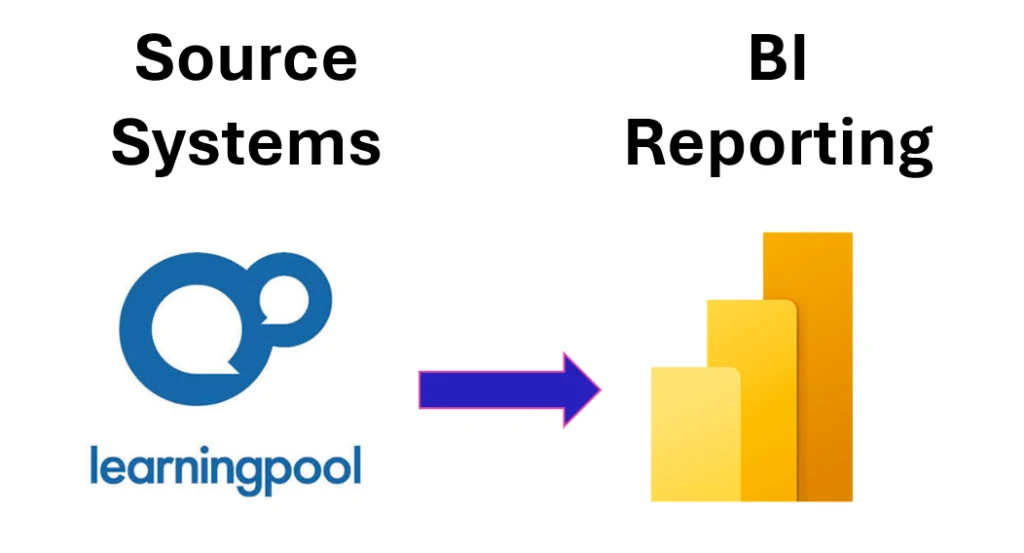
- Automation: LearningPool data extracts were difficult to automate reliably.
- Best Practice: Uncertainty around recommended Power BI approaches and new feature updates created confusion.
- Confidence: The team needed guidance to build self‑sufficiency and solve future reporting challenges independently.
They needed expert support to accelerate their progress and ensure their reporting could scale with organisational needs.
The Solution
We delivered structured Power BI mentoring through regular remote sessions, each focused on a specific pain point or development area.
Our approach combined:
- Coaching: Hands‑on support in DAX, data modelling and report design to strengthen core Power BI skills.
- Automation: Guidance on streamlining and automating LearningPool data processes for more efficient reporting.
- Standards: Best‑practice recommendations for dataset structure, modelling and governance to improve long‑term maintainability.
- Troubleshooting: Targeted support to resolve issues in existing reports and improve reliability.
- Capability: Knowledge‑building to help the team confidently solve future reporting challenges independently.
The Results
The organisation saw clear value from the coaching programme:
- Speed: Faster report development with significantly reduced manual effort.
- Automation: Improved automation of LearningPool reporting, cutting repetitive workload.
- Skills: Stronger understanding of DAX, modelling and core Power BI features across the team.
- Confidence: Increased confidence within the Learning & Development team to manage and enhance reports independently.
- Scalability: A more scalable reporting approach that supports future growth and evolving data needs.
The team can now develop and maintain their Power BI reports more efficiently, with the skills to troubleshoot and enhance their reporting independently.
Ready To Strengthen Your Team's Power BI Capability?
Book a free consultation to explore tailored coaching and support.
Book a free consultation to get startedThis is just one example of what we do – explore more in Our Work